Workday tracking
Record full days, half-days and days off — then mark the day as paid once you are paid.
MD Work is the simple work notebook for people paid by the day or by the hour. Record your days, keep expenses in check and know what is left — no account, no spreadsheets.
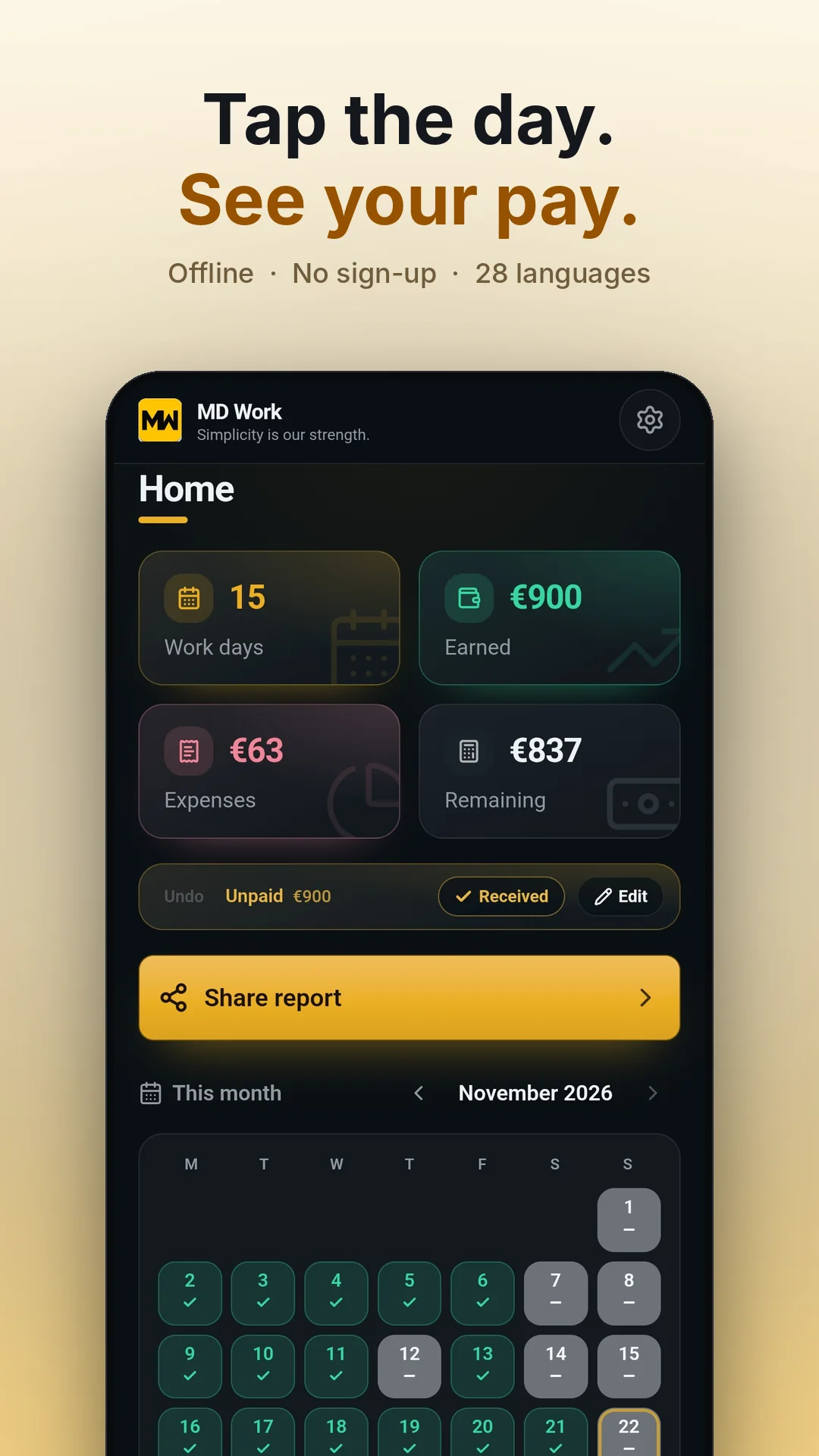
Everything you need to follow a working month, and nothing you don't.
Record full days, half-days and days off — then mark the day as paid once you are paid.
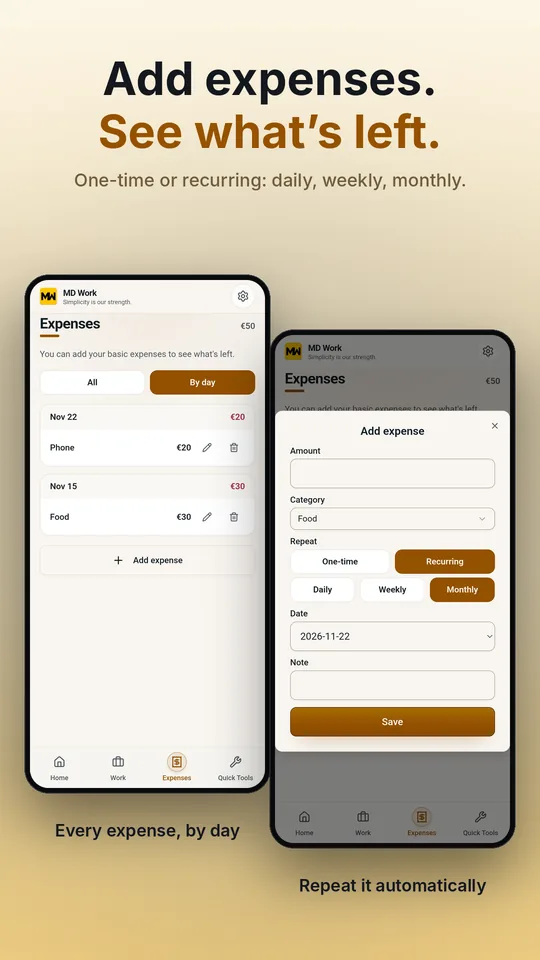
Add expenses with a category, a note and a date — and repeat the fixed ones every month.
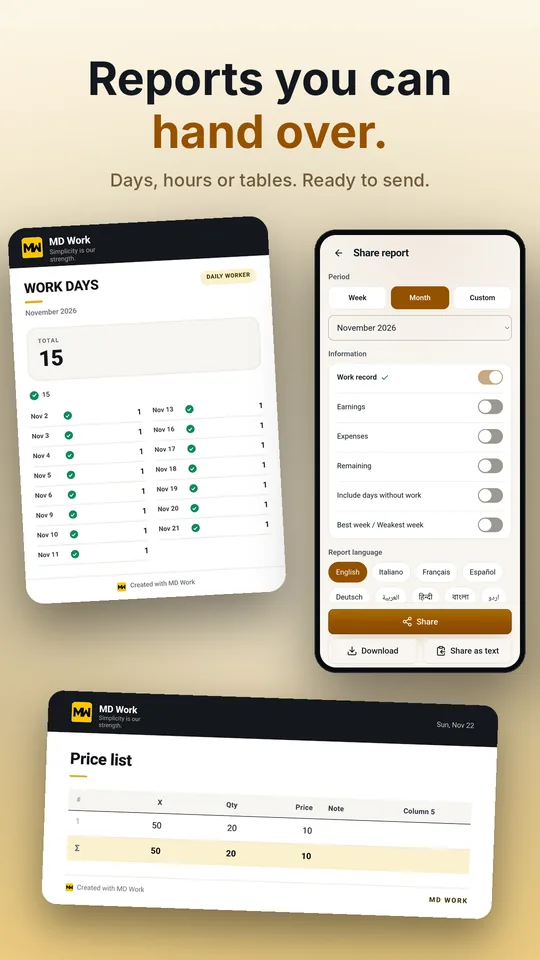
Move between months, search your history and share the month as a report image or a CSV file.
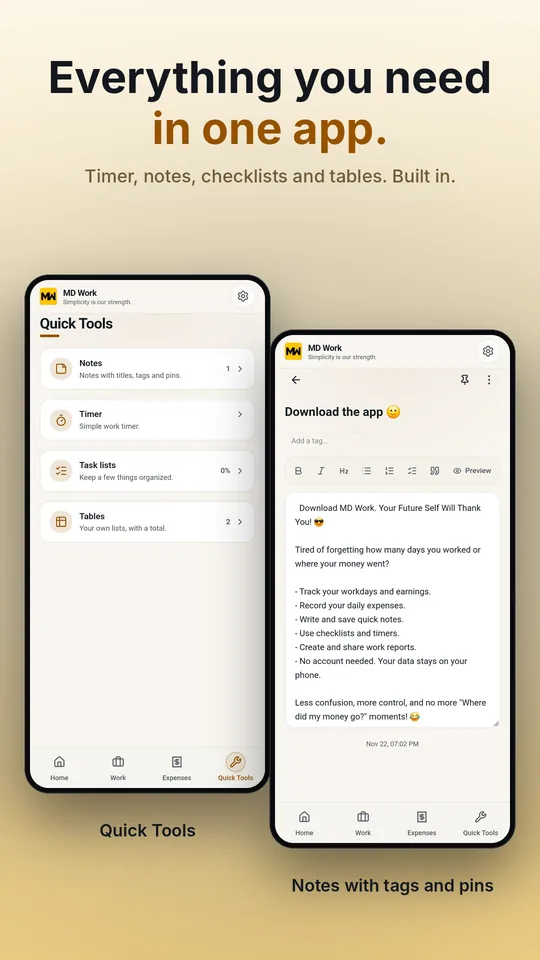
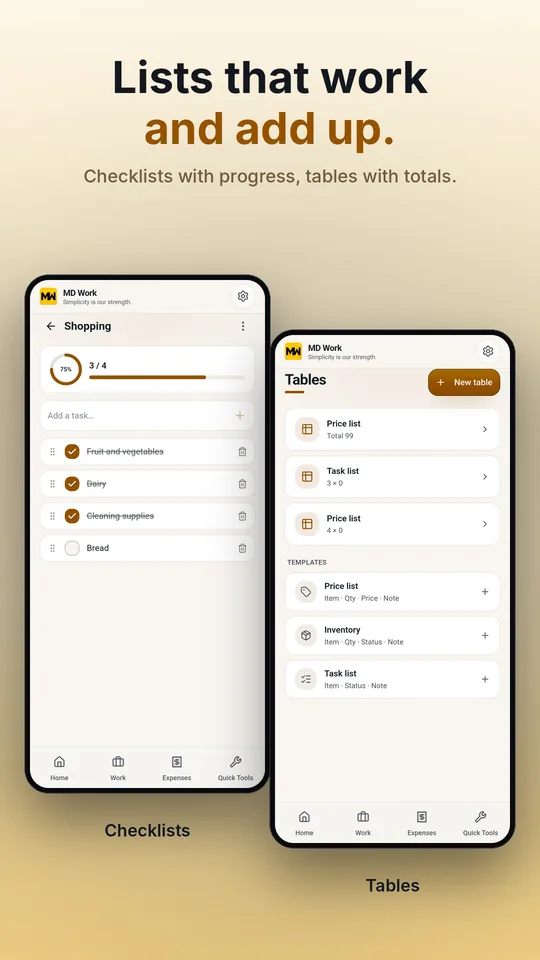
Keep a quick note, start the work timer, tick off a checklist and set reminders that reach you even when the app is closed.
Works offline with no account. Your records stay on your phone and nothing is uploaded.
Mark a month unpaid, partly received or settled, record the amount you actually got, and see what is still due.
Three screens do the whole job — record, review and export, nothing to configure first.
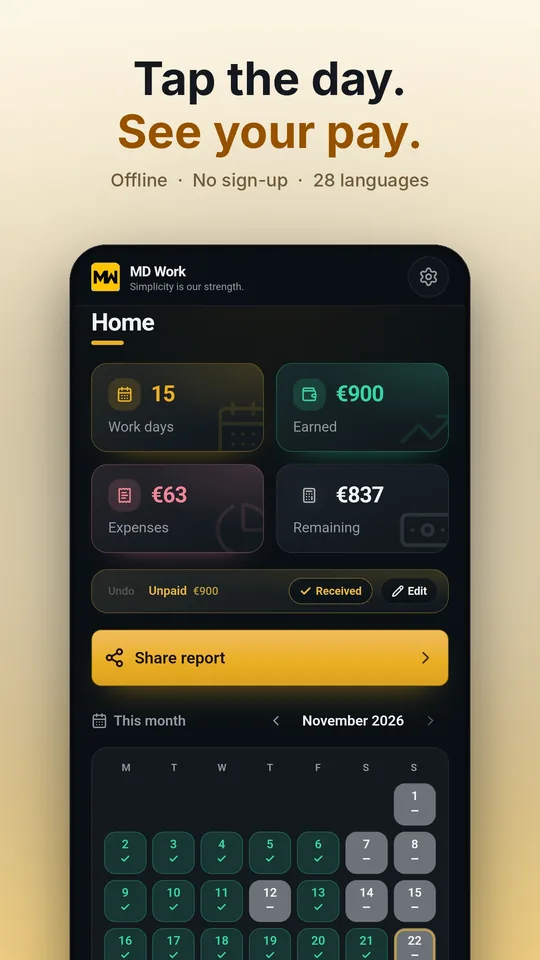
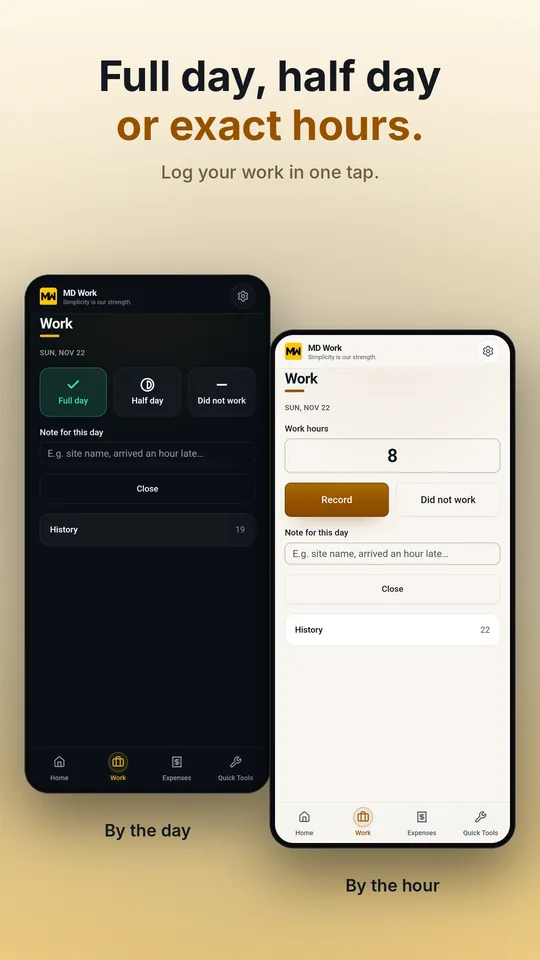
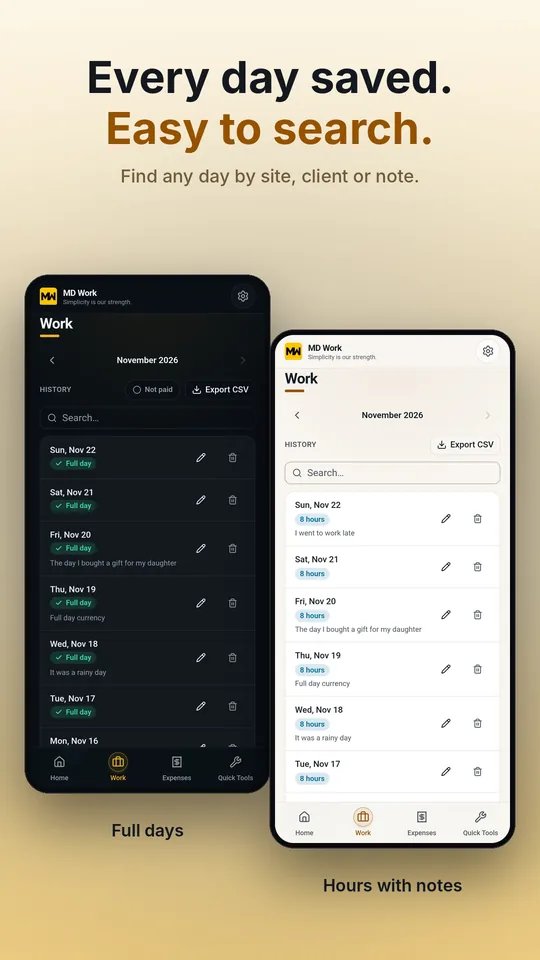
No tutorial, no empty dashboard to figure out. Three taps and your month is running.
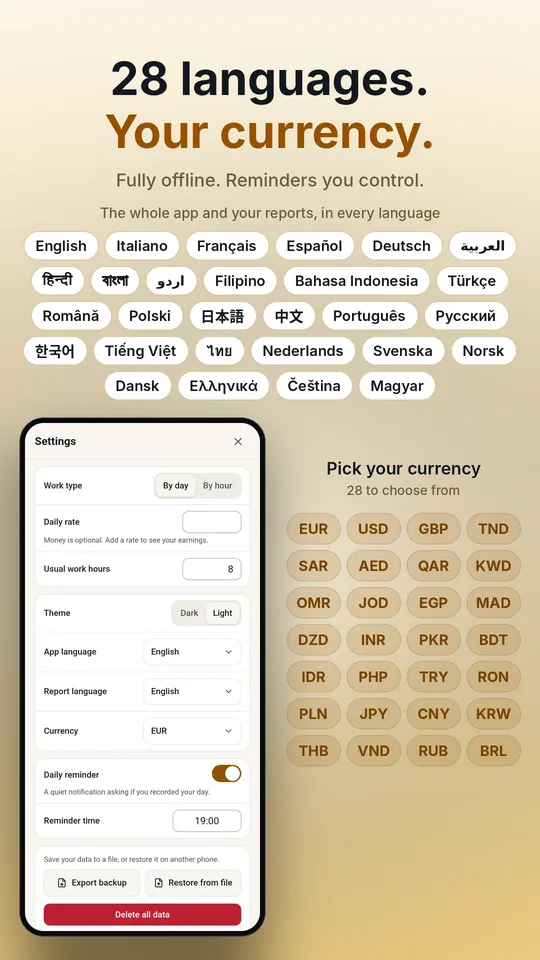
Pick by day or by hour, choose your currency and your usual hours. All of it is optional.
Tap Record after work, or mark a day off. Totals and the calendar update by themselves.
See earned, spent and remaining, then share the report with one tap.
Yes. The app is free to download and free to use. It is supported by ads, and none of the features above need a payment.
No. There is no sign-up and no login. Your records are stored on your device, so the app works offline.
The app and its reports are translated into 28 languages, including Arabic with full right-to-left support, and it works with EUR, USD, GBP, TND and AED.
Yes. Switch to “By hour” in Settings and enter the hours you worked; earnings follow your hourly rate.
No work record leaves your phone. The app does not need an account, and your days and expenses stay local.
Yes. Export a backup file from the app, keep it somewhere safe, and restore it on the new phone. Without a backup, records stay on the old device only.
MD Work has no account and no cloud. Your days, earnings and expenses live only on your phone, so you can erase them at any time — nothing is stored on our side.
Open the day or the expense in the app and delete it. Totals and the calendar update straight away.
In MD Work, open Settings and tap Delete all data. Every day, expense and note is erased at once, and the action cannot be undone.
Removing MD Work, or clearing its storage in Android settings, also deletes the records it keeps on the phone.
Deleting the app does not remove copies that may exist in a phone backup or in a report you shared or exported earlier. Delete those from Google Drive, your gallery or the app you sent them to.
Need help removing your records? Email MD NexaDownload MD Work on Google Play and record your first day tonight.